Programming an Eaton E-Series Relay, Step 4: Advanced Configuration with PowerPort-E
6:31
This tutorial is about modifying your E-Series Relay configuration with the PowerPort-E software. Learn how to customize protection parameters, turn on communications, program front-panel LEDs, modify settings groups and build logic functions. For more information visit https://www.eaton.com/protectiverelays
This tutorial is about modifying your E-Series Relay configuration with the PowerPort-E software. Learn how to customize protection parameters, turn on communications, program front-panel LEDs, modify settings groups and build logic functions. For more information visit https://www.eaton.com/protectiverelays
Oil and gas Similar Videos
-
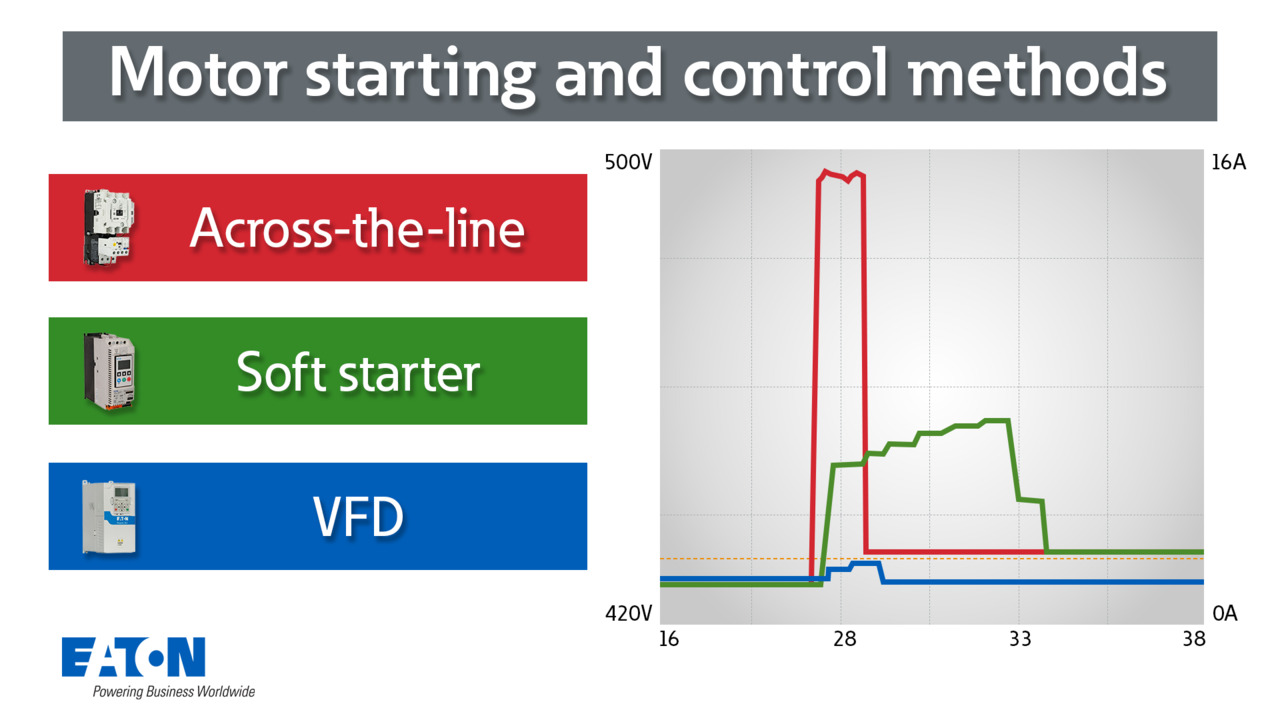
Motor starting and control methods | Eaton PSEC
8:24
Learn how motor starting methods, ATL, soft staters, and VFDs, can impact inrush current, voltage, and energy use. In this video we explain key benefits, risks, and cost factors to help you choose the best method for your application.
-
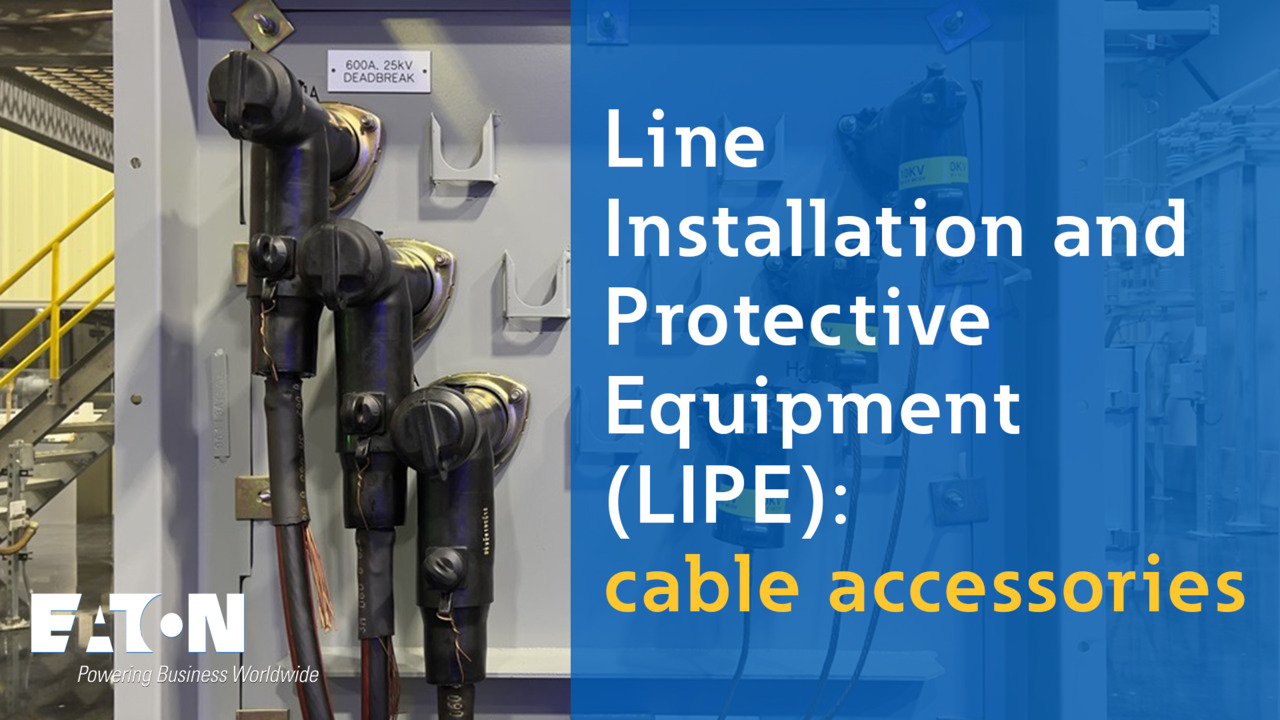
Line installation and protective equipment (LIPE): cable accessories | Eaton PSEC
11:54
Learn about cable accessories for medium voltage applications. These components are crucial to safely connect cables to transformers, switchgear, and sectionalizing cabinets.
-
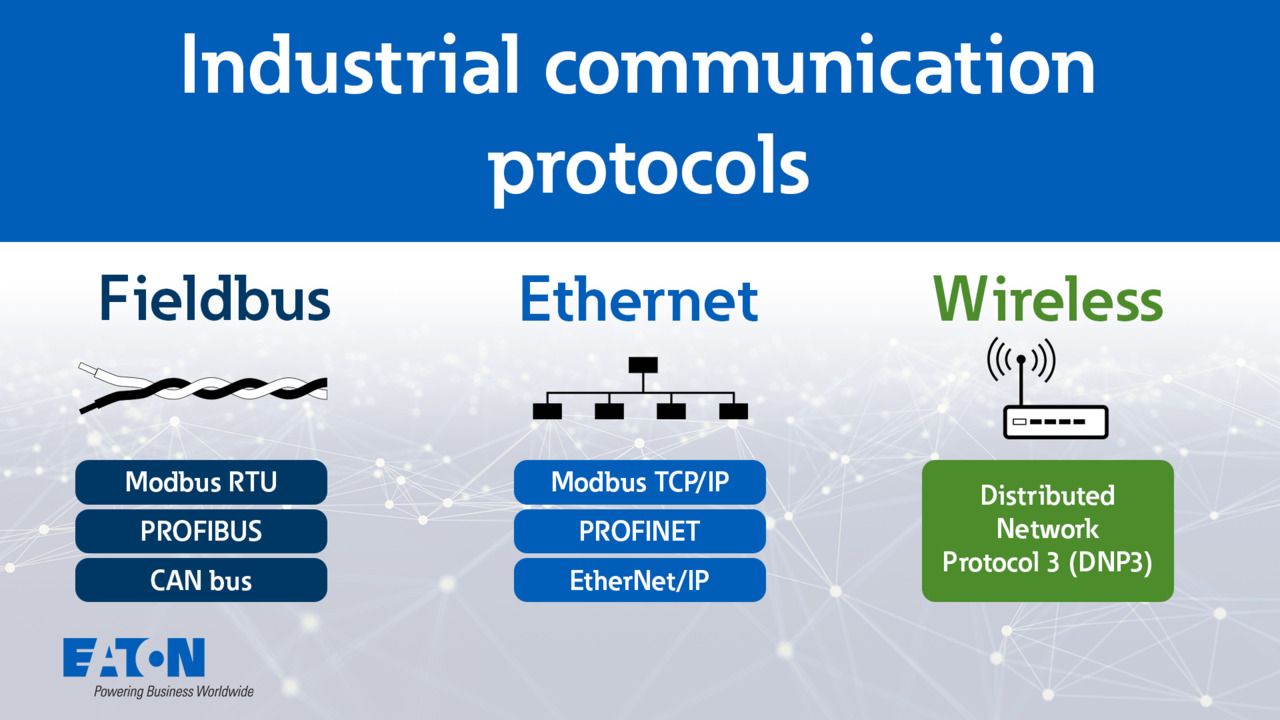
Industrial communication protocols explained | Eaton PSEC
12:23
Learn about industrial communication protocols such as Fieldbus, Ethernet, and wireless communications. Understand how they operate, their features, limitations, and cybersecurity standards.